Venmo has become a familiar payment tool for millions of Americans. For nonprofits, that familiarity can translate into more donations, faster transactions, and easier donor engagement. But Venmo is not a full fundraising platform, and it is not right for every organization.
This guide explains exactly how Venmo for nonprofits works, how to set it up correctly, what it costs, and where it fits in a modern nonprofit finance stack.
If you are deciding whether Venmo belongs in your donation strategy, this article will give you a clear answer.
Overview
Can Nonprofits Use Venmo?
Yes. Eligible nonprofits can use Venmo through a verified Venmo Charity Profile.
Venmo is owned by PayPal, and all nonprofit verification runs through PayPal’s charitable verification process. Once approved, a nonprofit can accept donations directly inside the Venmo app. Check out our full guide to PayPal for Nonprofits.
To qualify, your organization must:
- Be a registered 501(c)(3)
- Have valid IRS documentation
- Complete PayPal charity verification
- Maintain a U.S. bank account
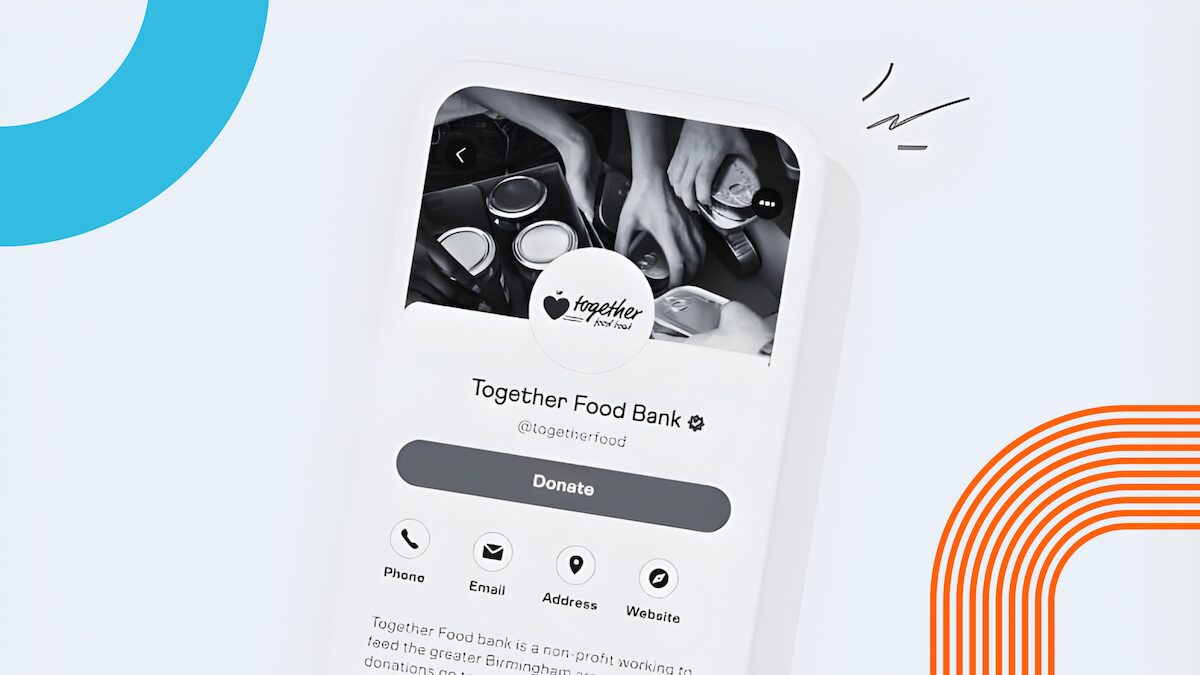
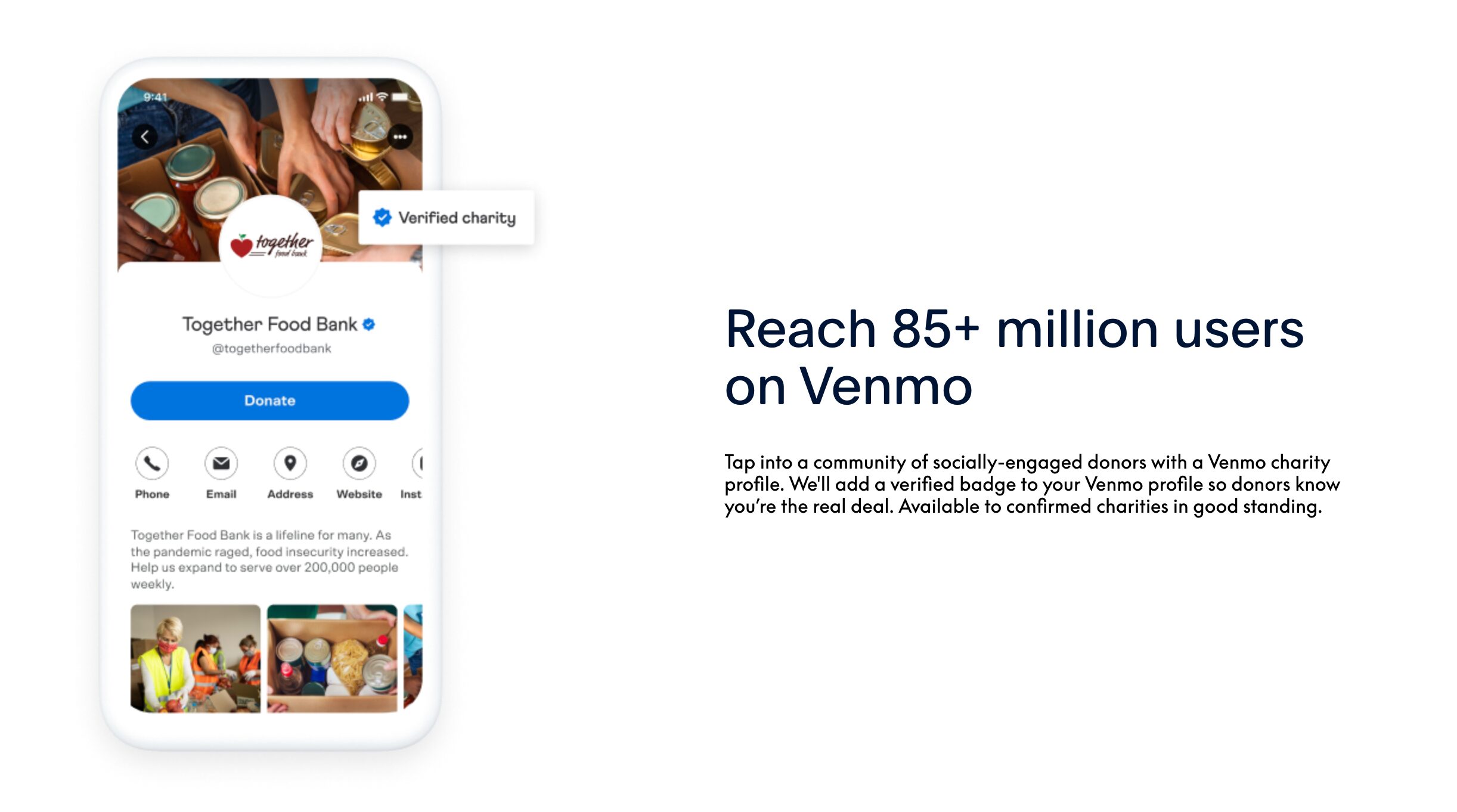
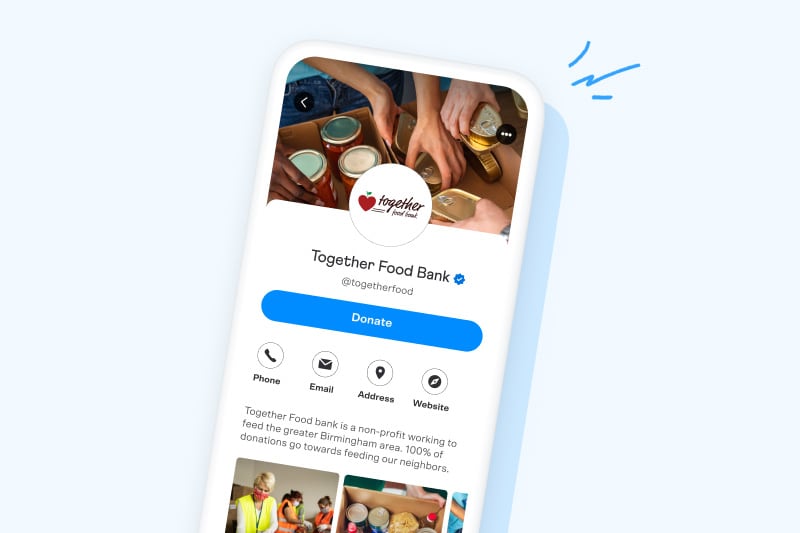
Once verified, your organization receives a public Venmo charity profile with a blue checkmark.
What Is a Venmo Charity Profile?
A Venmo Charity Profile is a nonprofit specific account that allows users to donate directly through Venmo.
Key features include:
- Verified nonprofit badge
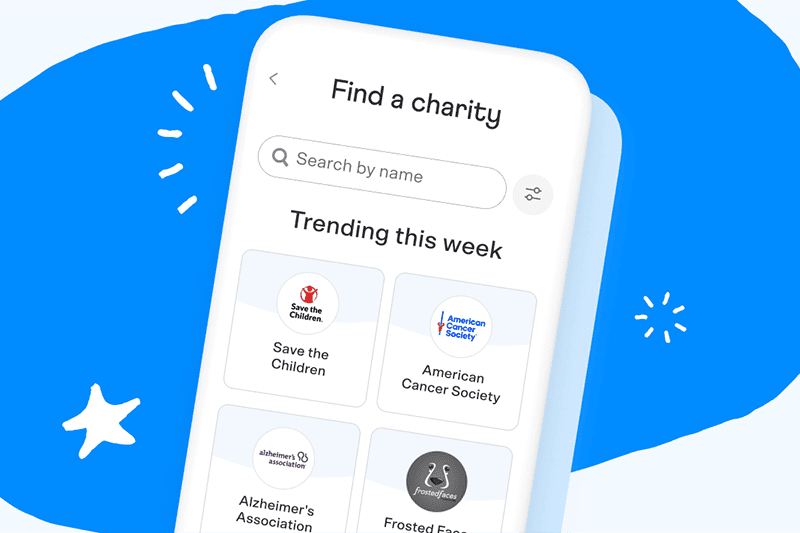
- Searchable charity listing in the Venmo app
- Donation buttons inside Venmo
- Public donation visibility, based on donor privacy settings
- QR codes for in person giving
This profile is separate from a personal Venmo account and should never be replaced with one.
Benefits of Using Venmo for Nonprofits
Venmo works best as a supplemental donation channel, not a standalone fundraising system.
Verified Trust:
The blue checkmark badge on a nonprofit’s Venmo profile instills confidence in donors. This symbol of authenticity confirms the legitimacy of the organization, encouraging trust and credibility among potential contributors.
Enhanced Visibility:
Nonprofits enjoy greater exposure on Venmo. Donor contributions can be shared in their networks, increasing visibility and potentially attracting more donors through social proof and word-of-mouth.
Low Transaction Fees:
The transaction fees on Venmo are competitive, at only 1.9% + $0.10 per donation. This low rate ensures that a larger portion of donations goes directly to the nonprofit’s cause.
Immediate Fund Access:
Nonprofits benefit from same-day access to donated funds, improving cash flow and liquidity. This quick access, although subject to additional fees, enables more efficient operation and financial management.
Donor Engagement Tools:
Venmo offers various tools like photo galleries and QR codes for touch-free donations in person. These features not only facilitate easy giving but also enhance donor engagement by providing a more interactive and convenient donation experience.
These benefits collectively make Venmo a valuable platform for nonprofits seeking to expand their donation channels and engage with a broader donor base.
Limitations Nonprofits Should Understand
Venmo is not built for nonprofit operations. It has real gaps that matter as you scale.
- Limited reporting and donor data
- No built in receipting or acknowledgments
- No fund accounting support
- No donor CRM functionality
- U.S. only platform
- Public transaction visibility may concern some donors
Venmo is convenient. It is not comprehensive.
How to Set Up Venmo for a Nonprofit
Step 1: Start with PayPal Charity Verification
Venmo charity profiles are managed through PayPal. Begin by applying through PayPal’s nonprofit onboarding tools.
You will need:
- Legal nonprofit name
- EIN
- IRS determination letter
- Bank account information
- Organization contact details
Step 2: Create and Customize Your Charity Profile
Once approved, you can:
- Add your mission description
- Upload your logo
- Choose keywords to improve discovery
- Enable donation visibility settings
Keep descriptions simple and direct. Venmo users skim.
Step 3: Publish and Test
After publishing:
- Make a test donation
- Confirm bank transfers
- Verify donation notifications
- Confirm your profile appears in search
Only promote Venmo publicly after testing.
Venmo Fees Explained Clearly
Venmo charges:
- 1.9 percent + $0.10 per donation
Example:
- $100 donation
- $1.90 processing fee
- $0.10 fixed fee
- Net received: $98.00
Fees are not refundable, even if a donation is reversed. Build this into your planning.
Using Venmo in Your Fundraising Strategy
Venmo works best in these scenarios:
- Event based fundraising
- Peer to peer campaigns
- Social media driven donations
- Younger donor audiences
- In person events using QR codes
Venmo should not replace:
- Your main donation platform
- Your accounting system
- Your donor CRM
- Your nonprofit credit card and expense controls
It is a front door, not the infrastructure.
Marketing Your Nonprofit Inside Venmo
Venmo allows charities to increase visibility through in app discovery.
You can:
- Appear in charity search results
- Be featured in Venmo emails
- Encourage donors to share activity
- Use QR codes on printed materials
Do not rely on Venmo alone to tell your story. Use it as a frictionless entry point and move donors into your primary systems.
Pros and Cons
Pros:
- Immediate Transfers: Venmo enables instant financial transactions, allowing nonprofits to access funds quickly after receiving donations.
- Social Engagement: Venmo’s social feed feature can increase the virality of donations, encouraging more users to contribute when they see friends donating.
- Financial Tracking: Venmo provides an easy way to track donations and manage finances, offering a clear record of transactions for accounting purposes.
Cons:
- Public Transaction Data: Venmo’s social nature might expose donation activity, potentially raising privacy concerns for donors and nonprofits.
- Limited International Use: Venmo is primarily used within the United States, which could limit fundraising opportunities from international donors.
- Dependency on Platform Stability: Relying on Venmo necessitates trust in its digital infrastructure and ongoing service availability, posing a risk if the platform experiences downtime or changes its policies.
Venmo offers significant advantages for nonprofits aiming to connect with a tech-savvy audience, capitalizing on its user-friendly interface, cost-effectiveness, and extensive user base.
While there are some drawbacks, such as potential security concerns and the informal nature of transactions, the platform remains a valuable asset in the arsenal of contemporary fundraising tactics.
Nonprofits can harness Venmo’s popular appeal and convenience to facilitate donations, making it a compelling choice for enhancing donor engagement and streamlining the giving process in the digital age.
FAQs
Yes. Verified 501(c)(3) organizations can create a Venmo Charity Profile linked to their PayPal account. This allows nonprofits to receive donations directly through the Venmo app, engage with donors socially, and access low-fee digital giving tools. Verification is managed by PayPal, Venmo’s parent company.
Venmo offers several advantages for charitable organizations, including:
-
A verified blue checkmark badge for donor trust
-
Low transaction fees (1.9% + $0.10 per donation)
-
Instant or same-day access to donated funds
-
Built-in social visibility when donors share their contributions
-
QR codes and photo galleries for in-person and online engagement
These features help nonprofits connect with younger, mobile-first donors while keeping operations simple and cost-effective.
To create a charity profile, start by verifying your organization’s nonprofit status through PayPal’s Business Tools. Once verified, you can:
-
Link your PayPal Charity account to Venmo.
-
Add your charity’s name, logo, and mission description.
-
Customize your Venmo profile to reflect your cause.
-
Publish your profile so donors can find and give directly within the app.
Venmo automatically imports essential organization details from your PayPal account, making setup quick and accurate.
Venmo charges 1.9% + $0.10 per donation, which is deducted before funds are deposited. For example, on a $100 donation, the nonprofit receives $98.00 after fees. These transaction costs are consistent with major payment platforms and help cover secure processing and platform maintenance.
Venmo’s social feed and sharing features allow donations to appear in a donor’s activity feed, creating organic visibility for your cause. Nonprofits can also use custom QR codes, embed Venmo links on websites and social posts, and encourage supporters to tag the organization when donating. These tactics increase reach and build trust among digital-first donors.