Your website is one of your most important fundraising and communications tools. According to the 2025 M+R Benchmarks Report, most nonprofits now raise more online than through direct mail. A site that is slow, hard to navigate, or out of date costs you donor trust and real revenue.
The good news: you do not need a development team or a large budget to build a professional nonprofit website. Modern website builders handle the technical heavy lifting so your staff can focus on mission. The challenge is picking the right platform for your specific situation.
This guide covers some of the best nonprofit website builders, including pricing, nonprofit discounts, and an honest read on who each platform actually serves well.
Nonprofit Resources
The Charity Charge resource hub is dedicated to providing tips, tools, and information to help your nonprofit create and grow a modern organization. Learn more
Overview
What to Look for in a Nonprofit Website Builder
Before diving into individual platforms, here is what matters most:
Donation processing. Can you accept one-time and recurring gifts directly on the site, or do you need a third-party integration?
Ease of use. Will non-technical staff be able to update content, add events, and manage pages without calling a developer?
Nonprofit pricing. Many platforms offer discounts through TechSoup or direct application. Always check eligibility before committing to full pricing.
SEO and analytics. You need to rank in search and measure what is working. Not all builders give you the tools to do this well.
Integrations. Your website should connect to your CRM, email platform, and payment processor without manual workarounds.
Top Nonprofit Website Builders (2026)
Wix

Wix is the most widely used website builder for small and mid-sized nonprofits. Its drag-and-drop editor requires no technical skills, and it comes with over 500 templates, including a dedicated nonprofit category.
The platform covers most of what a growing organization needs: donation buttons, event calendars, contact forms, a blog, and basic SEO tools. The Wix App Market extends functionality further, including integrations with fundraising tools and volunteer management platforms.
Pricing:
- Light: $17/month
- Core: $29/month
- Business: $36/month
Nonprofit Discount: Wix partners with TechSoup to offer eligible 501(c)(3) organizations a 70% discount on a 2-year Premium plan. The subscription includes a free one-year domain registration. Check eligibility on TechSoup.
Best for: Small to mid-sized nonprofits that want an easy, all-in-one solution and can qualify for the TechSoup discount.
Squarespace
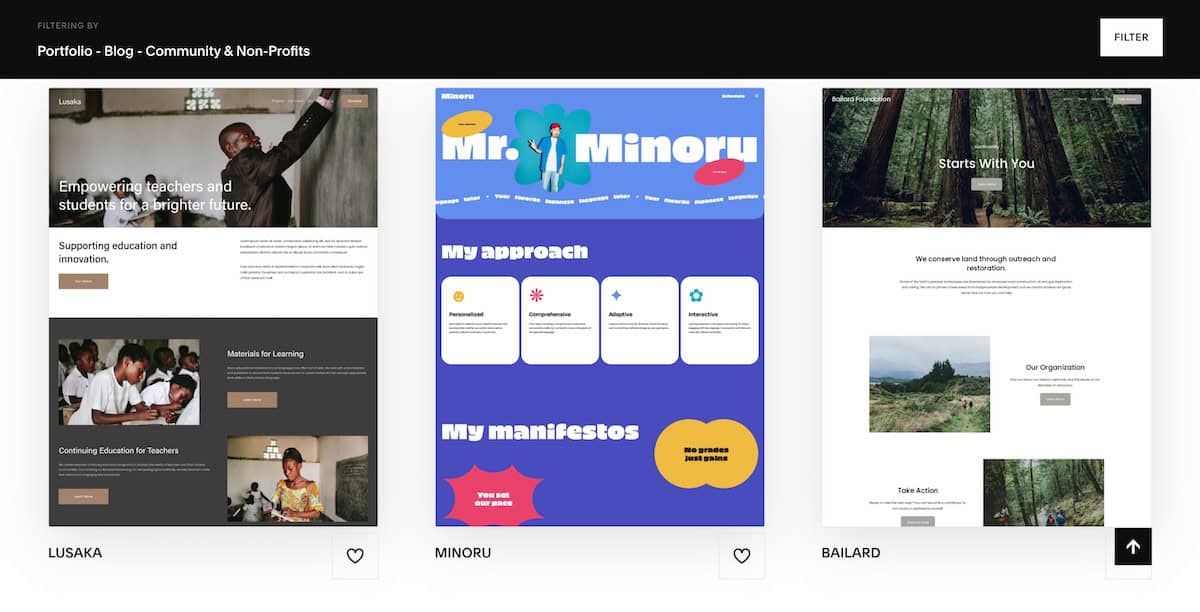
Squarespace is the go-to platform for nonprofits that prioritize design. Its templates are among the best-looking in the industry, and they are fully responsive across devices. The editor is clean and intuitive, and the platform includes hosting, SSL, and analytics out of the box.
Squarespace’s Donation Block, available on all business plans, allows nonprofits to accept contributions directly through the site with minimal setup. Integration with Stripe and PayPal handles payment processing.
Pricing:
Advanced Commerce: $49/month
Personal: $16/month (3% transaction fee)
Business: $23/month (2% transaction fee)
Basic Commerce: $27/month (no transaction fees)
Nonprofit Discount:
Enter NONPROFIT at checkout to receive 10% off your first payment.
For help, visit Redeeming an offer code for Squarespace.
Showit
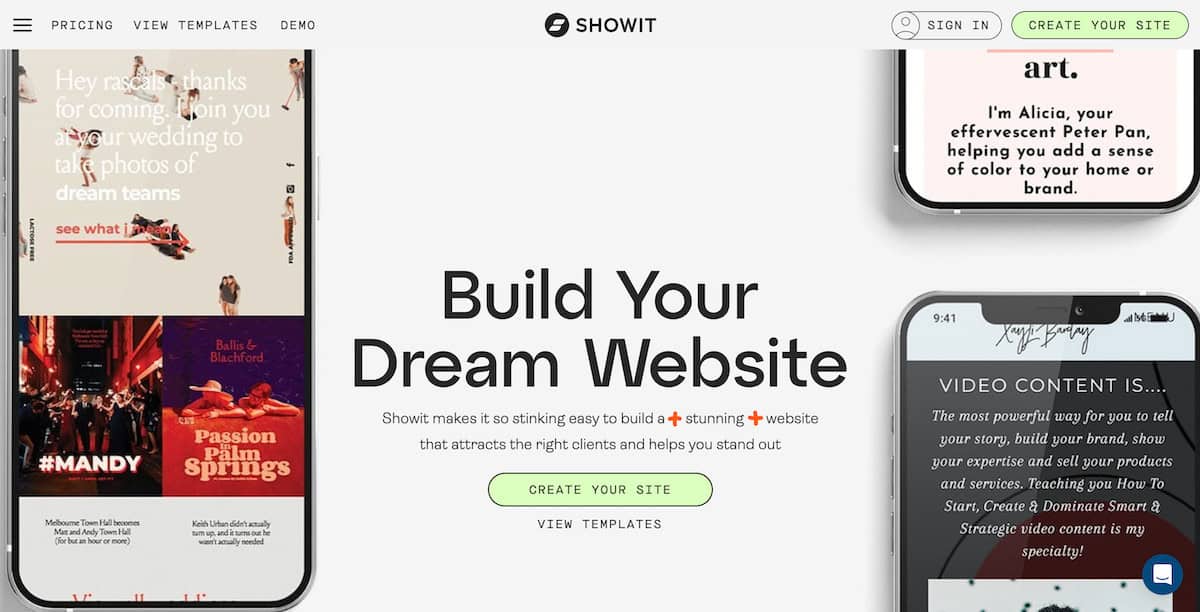
Showit is popular with visual brands, including photographers and creative agencies. For nonprofits, it offers a drag-and-drop editor with complete design flexibility and integration with WordPress for blogging. If your brand requires a highly distinctive look that standard templates cannot deliver, Showit gives you that control.
The platform does not include built-in donation tools, so you will need to integrate with a third party like Donorbox or Stripe. Customer support is well-regarded.
Pricing:
Advanced: $39/month
Basic: $24/month
Showit: $29/month
Nonprofit Discount:
- Showit offers custom discounts for nonprofits. Nonprofits should contact Showit’s support team to inquire about specific discounts and to verify their status.
Morweb
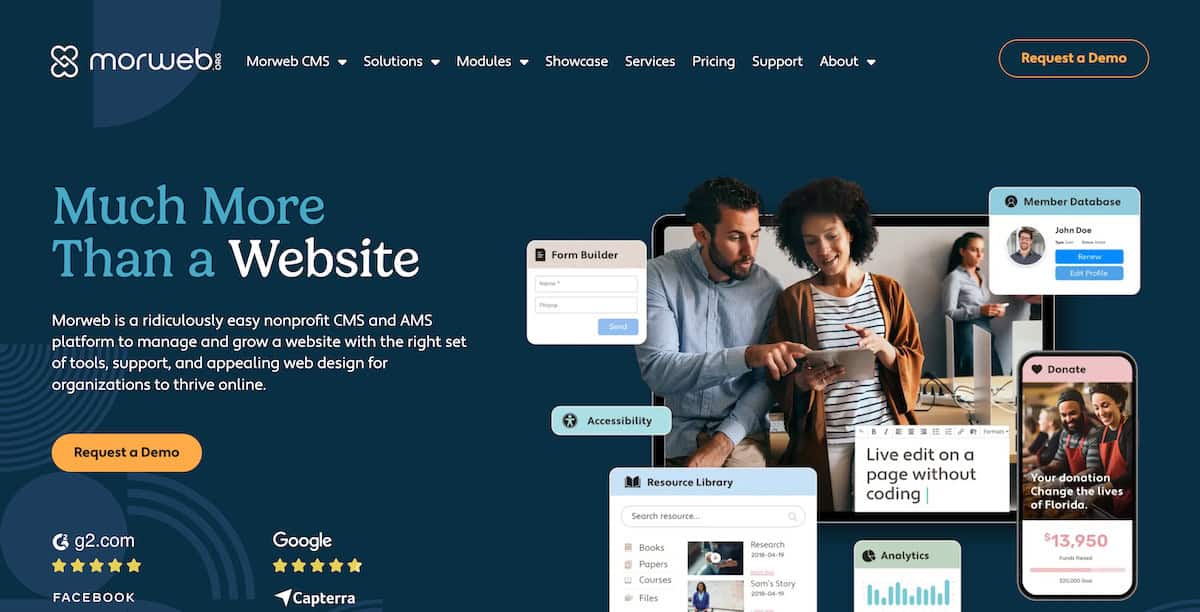
Morweb is built specifically for nonprofits. Unlike general-purpose builders that add nonprofit features as an afterthought, Morweb’s entire product is designed around the workflows of mission-driven organizations.
Key features include on-site donation forms with recurring gift options, event ticketing and registration, private member portals, and built-in accessibility tools designed to meet WCAG AA standards. The platform also includes dedicated support from staff familiar with nonprofit needs.
Pricing: Starts at $99/month for the entry-level plan. Custom pricing is available for larger organizations. Pricing reflects the all-in-one nature of the platform, including hosting, SSL, and nonprofit-specific modules.
Nonprofit Discount: Morweb offers tailored discounts based on organization size. Contact their team directly to discuss.
Best for: Mid-sized to larger nonprofits that want a purpose-built platform and are willing to pay a premium for it.ng and discounts for nonprofits, depending on the specific needs and size of the organization.
Wild Apricot
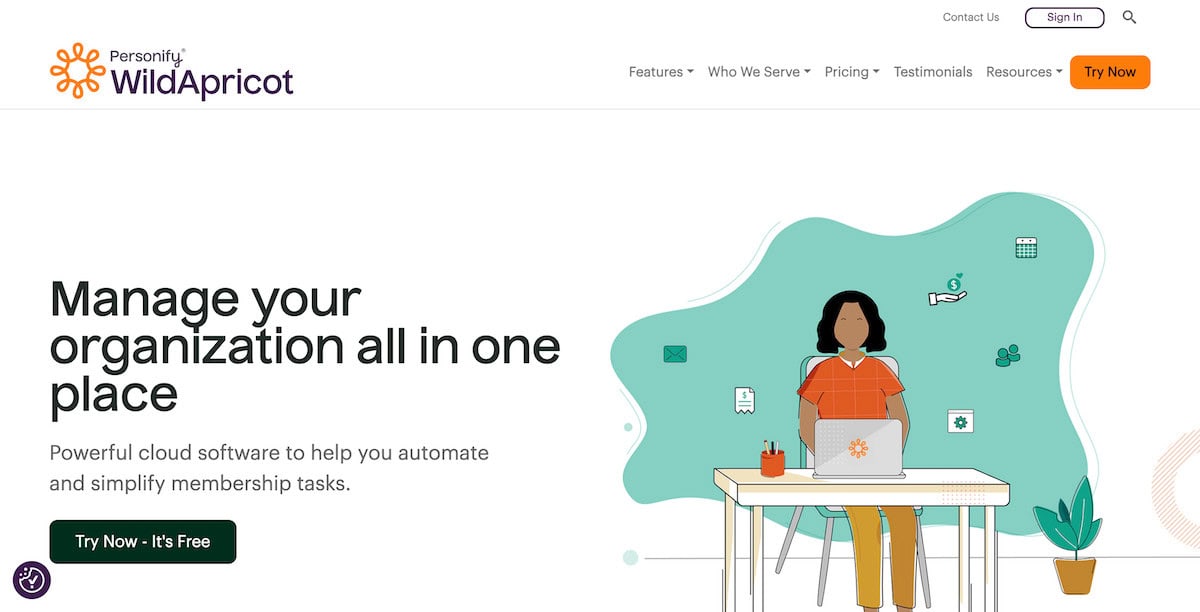
Wild Apricot is membership management software with a website builder built in. If your nonprofit relies on member dues, recurring registrations, or an active community, Wild Apricot handles all of it from one dashboard: member directory, automated renewals, event registration, payment processing, and a basic website.
It is not the strongest option if your primary need is a public-facing marketing site. But for associations, chapters, clubs, and membership-driven nonprofits, it removes a significant amount of administrative overhead.
Pricing:
- Personal: $60/month (up to 100 contacts)
- Group: $75/month (up to 250 contacts)
- Community: $140/month (up to 500 contacts)
- Professional: $240/month (up to 2,000 contacts)
Nonprofit Discount: Wild Apricot offers a 10% discount for registered nonprofits. Verify eligibility on their website.
Best for: Membership-based nonprofits, associations, and chapters that need an integrated CRM and website under one roof.
Weebly (by Square)
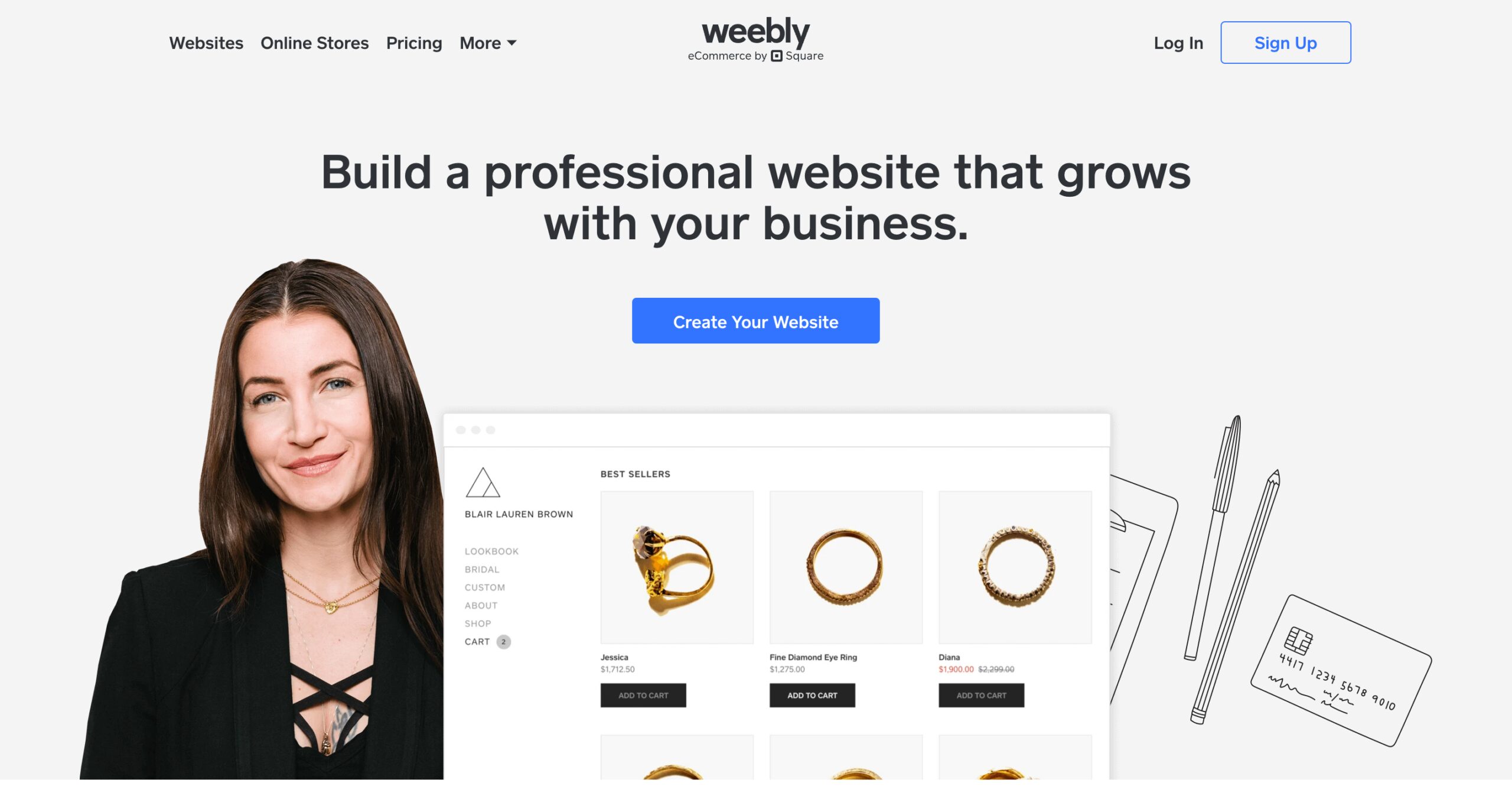
Weebly is a straightforward, low-cost website builder aimed at beginners. It offers a free plan with limited features and paid plans starting at $5/month. For a very small nonprofit that needs a basic online presence fast and at minimal cost, Weebly can work.
That said, its feature set is limited. Customization options are constrained, integrations are fewer than competitors, and there is no meaningful nonprofit-specific functionality built in. Organizations that grow quickly tend to outgrow Weebly.
Pricing:
- Free plan available
- Personal: $10/month
- Professional: $12/month
- Performance: $26/month
Nonprofit Discount: No formal nonprofit discount program as of 2025.
Best for: Very small nonprofits or newly formed organizations that need a minimal online presence at the lowest possible cost.
WordPress.com
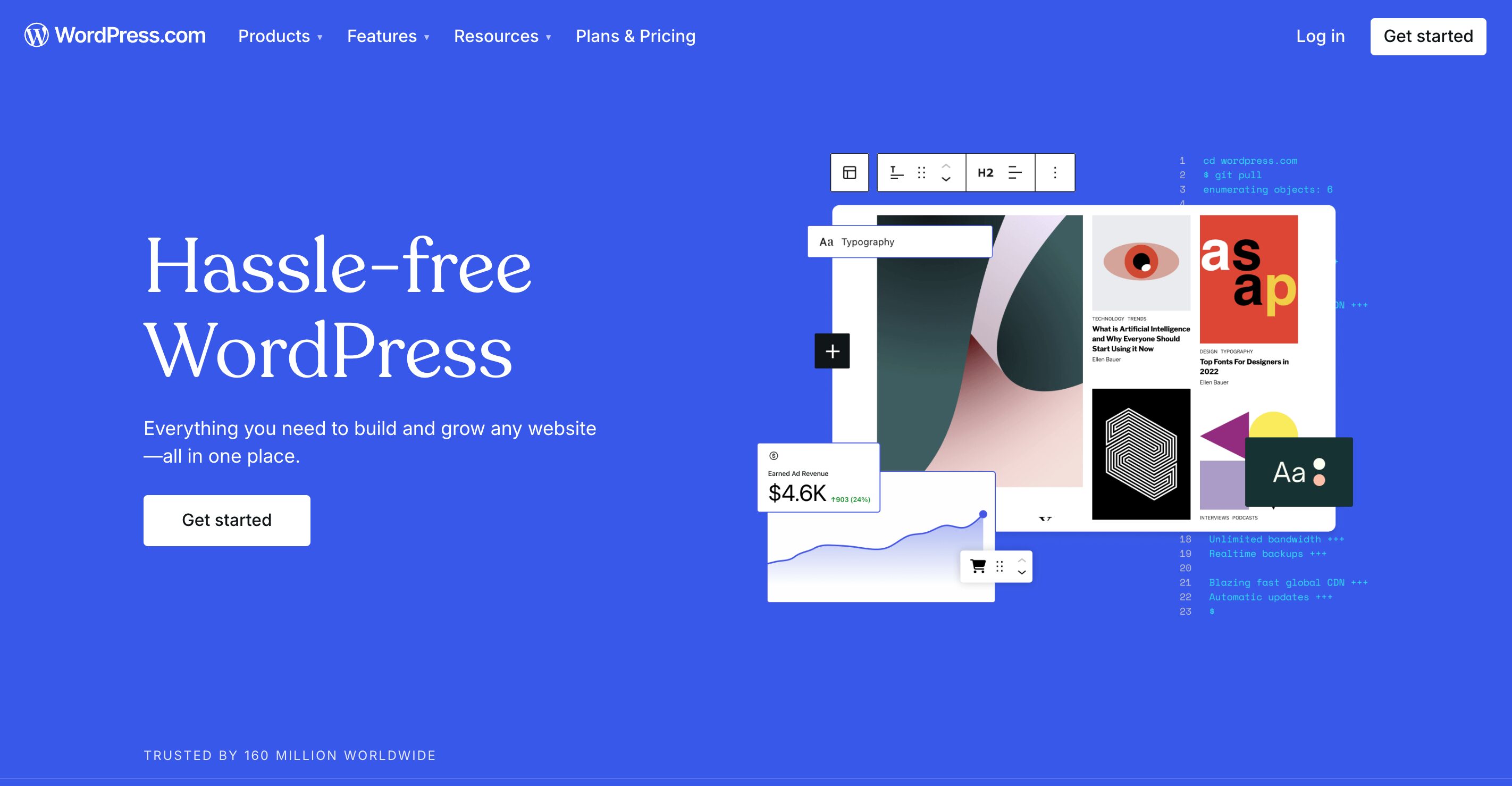
WordPress powers roughly 43 percent of all websites on the internet. For nonprofits with some technical capacity or a developer relationship, self-hosted WordPress (via WordPress.org, not WordPress.com) offers more flexibility than any other platform on this list.
The real advantage is the plugin ecosystem. Plugins like GiveWP handle donation processing, Mailchimp or Constant Contact handle email, and hundreds of nonprofit-specific themes handle design. The tradeoff is that you manage hosting, updates, and security yourself.
Pricing: Hosting costs vary. Budget providers start around $5 to $10/month. Mid-tier managed WordPress hosting (recommended for nonprofits) runs $20 to $50/month.
Nonprofit Discount: Hosting discounts vary by provider. DreamHost offers a free shared hosting plan for nonprofits registered through their program.
Best for: Organizations with technical staff or a trusted developer who want full control over their site and content.
Donorbox Websites
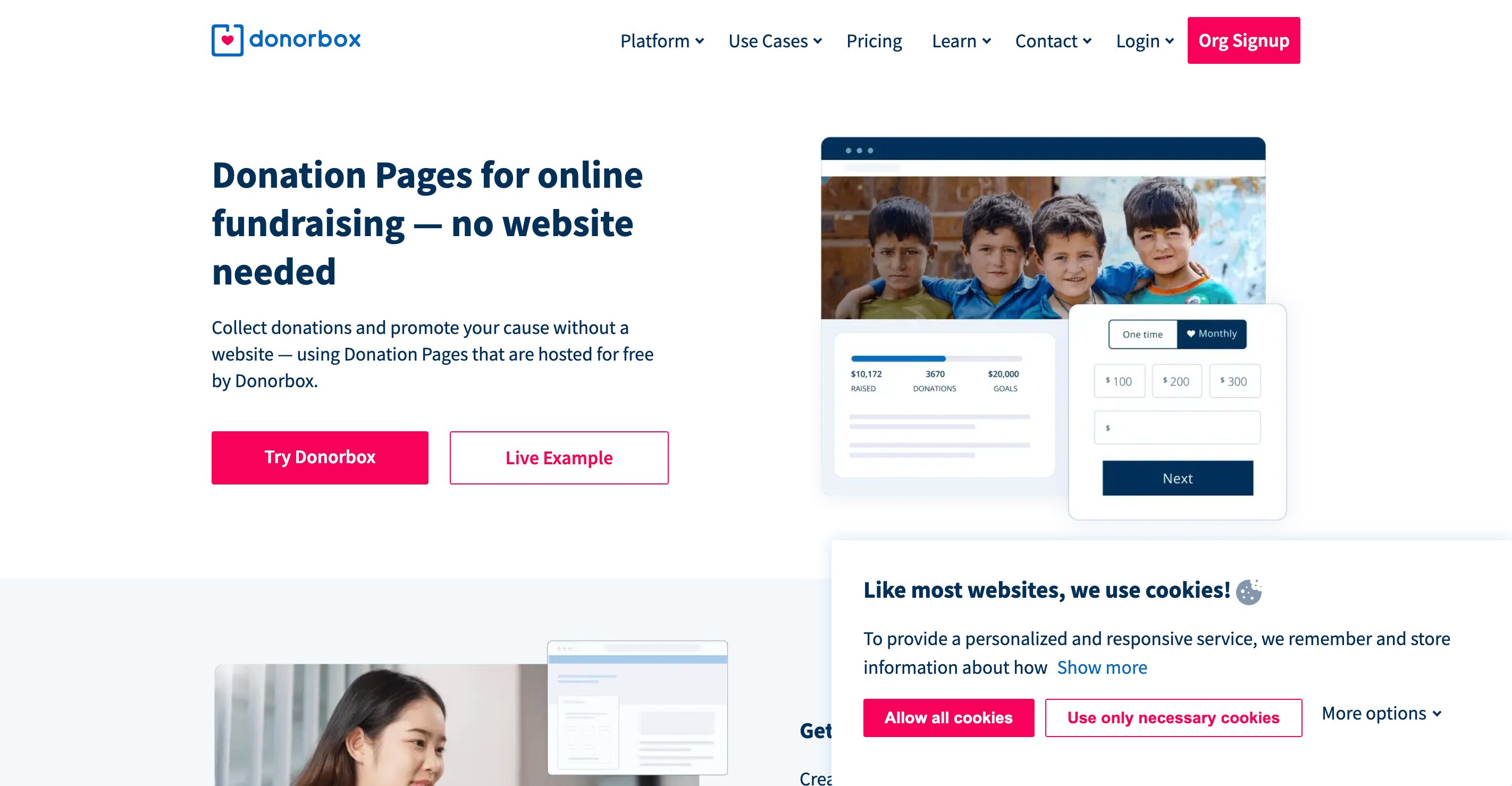
Donorbox, widely known for its donation form integrations, now offers a website builder tailored specifically for nonprofits. It’s designed for simplicity, with a strong focus on fundraising, making it perfect for small organizations or fundraising campaigns. Donorbox Websites emphasizes donor conversion, offering ready-to-go templates that highlight your cause and make it easy for visitors to give. If your nonprofit’s primary goal is to maximize online donations, Donorbox is a high-converting option worth considering.
Key Features:
Optimized for fundraising
Donation forms and donor portals
Mobile-friendly layouts
Campaign and donor analytics
Pricing:
Free for basic use, with fees applied on donations. Websites start with basic features at no cost.
Nonprofit Discount:
Affordable donation fees for verified nonprofits.
GoDaddy Website Builder
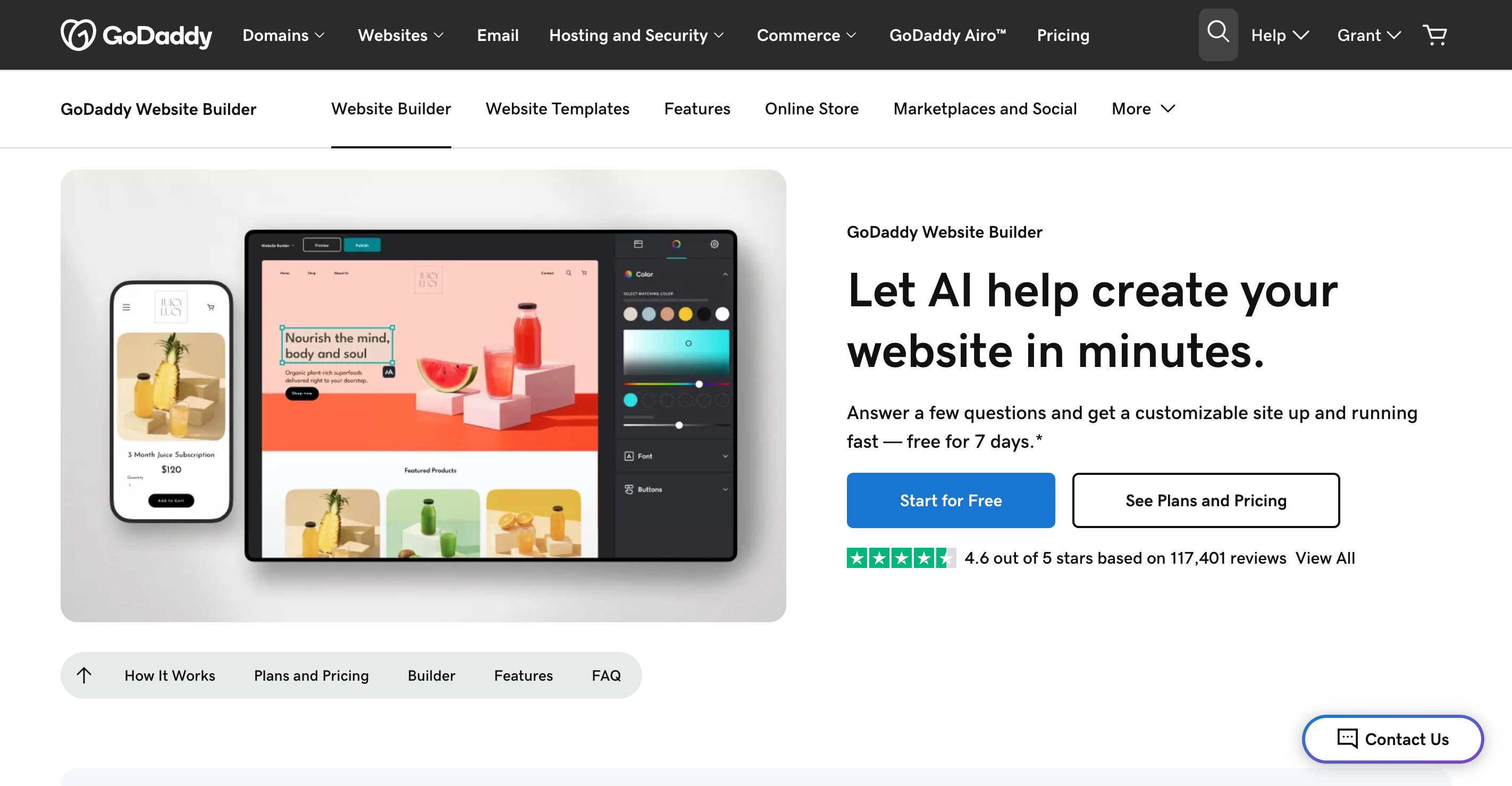
GoDaddy’s Website Builder is an efficient solution for nonprofits that want a reliable, easy-to-use platform with strong customer support. With built-in marketing tools, appointment scheduling, and donation integrations, GoDaddy is well-suited for service-oriented nonprofits that need to manage events or consultations. It’s a good choice for those who value speed, automation, and the ability to manage their entire web presence—including domains and emails—in one place.
Key Features:
Intuitive AI-assisted site building
Fundraising and event integrations
SEO and marketing tools
Email marketing and social media tools
Pricing:
Basic: $10.99/month
Premium: $14.99/month
Commerce: $20.99/month
Nonprofit Discount:
Special promotions for nonprofits are periodically offered.
Webflow
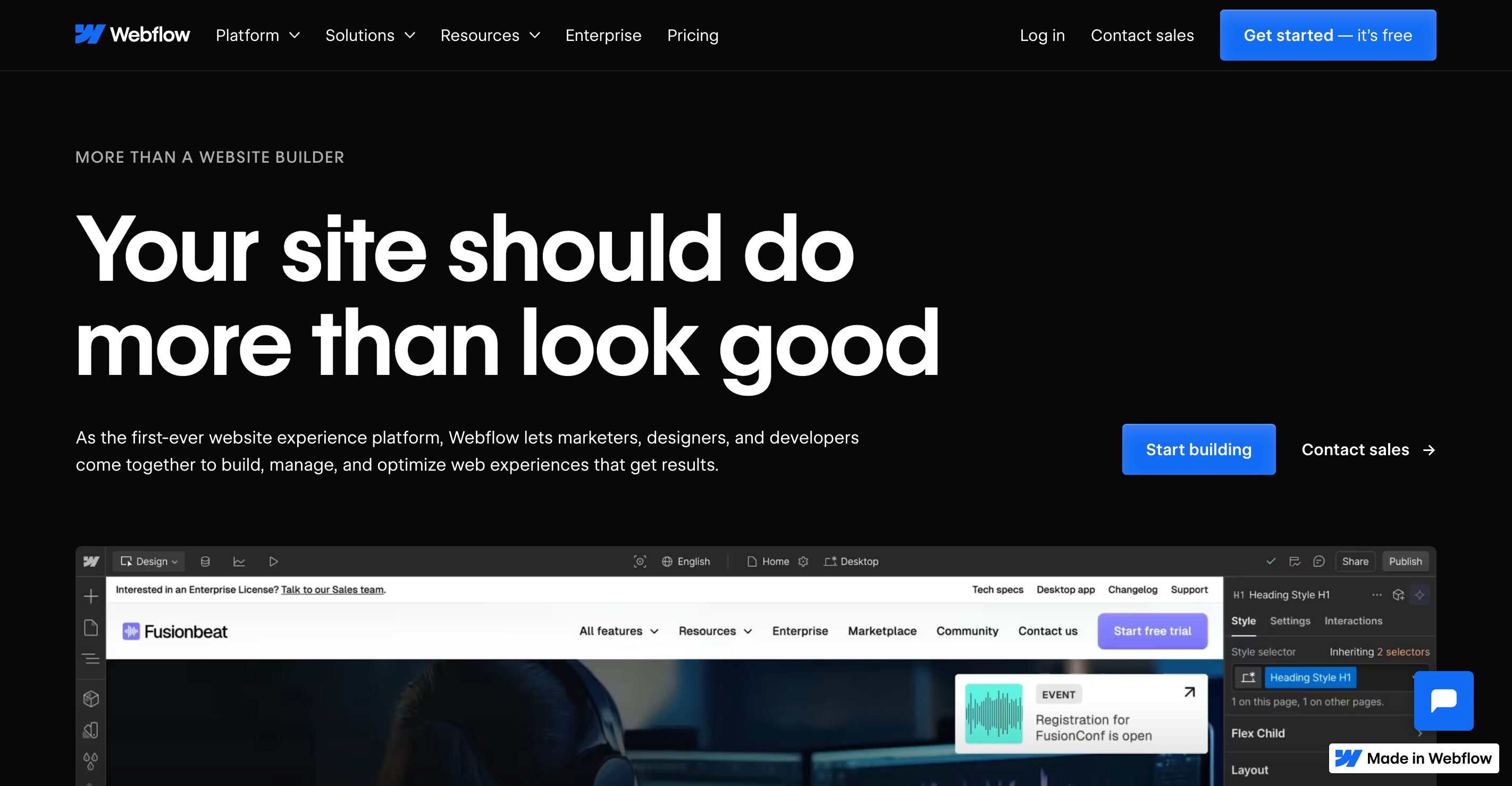
Webflow sits between a traditional website builder and a full development environment. It gives designers and technically inclined teams pixel-level control over layout and animation without writing code. The output is clean, fast, and highly customizable.
The catch: Webflow does not include built-in donation tools or nonprofit-specific features. You will need third-party integrations for fundraising, event management, and CRM connectivity. This adds complexity and potential cost.
Pricing:
- Starter: Free (limited)
- Basic: $14/month
- CMS: $23/month
- Business: $39/month
Nonprofit Discount: Webflow offers a 35% discount for eligible nonprofits. Apply directly through their nonprofit program.
Best for: Nonprofits with design-forward brands and access to a designer or developer who is comfortable with a more advanced tool.
Neon Websites

Neon Websites is a nonprofit-specific website builder offered by Neon One, the same company behind Neon CRM. The primary advantage is native integration with Neon CRM, which means donor data, event registrations, and contact forms flow directly into your database without manual syncing.
Templates are organized by nonprofit mission type, and the platform includes a drag-and-drop editor, analytics, and mobile optimization. If your organization is already using Neon CRM, this is a compelling add-on.
Pricing: $69/month for all plans. One-time setup fees apply based on whether you want a DIY build ($0 setup), standard build ($750), or premium build ($1,350).
Nonprofit Discount: Pricing is already set for nonprofit organizations. No additional discount required.
Best for: Nonprofits already using or planning to use Neon CRM that want a tightly integrated website and donor management system.
Comparison Table
| Platform | Starting Price | Nonprofit Discount | Best Use Case |
|---|---|---|---|
| Wix | $17/month | 70% via TechSoup | Small to mid-sized orgs |
| Squarespace | $16/month | 10% with code | Design-forward brands |
| WordPress | ~$10/month (hosting) | Varies by host | Technical teams |
| Morweb | $99/month | Custom | Purpose-built, all-in-one |
| Wild Apricot | $60/month | 10% | Membership organizations |
| Webflow | $14/month | 35% | Design control, advanced users |
| Weebly | Free / $10/month | None | Very small orgs, low budget |
| Neon Websites | $69/month | Built-in pricing | Neon CRM users |
| Showit | $24/month | Custom | Visual brands |
| GoDaddy | $9.99/month | None | Existing GoDaddy customers |
How to Choose the Right Platform
Start with your staff’s technical capacity. If no one on your team has built a website before, Wix or Squarespace will get you live faster with less frustration than WordPress or Webflow.
Consider your primary use case. If you run an event-heavy or membership-driven organization, Wild Apricot or Neon Websites may save you more time than a general builder ever could. If fundraising is the core function, make sure your platform has native donation tools or a clean integration path.
Check TechSoup eligibility before purchasing. Many platforms listed above offer significant discounts through TechSoup for verified 501(c)(3) organizations. A 70% discount on Wix, for example, changes the economics considerably.
Do not overbuild on day one. Start with a platform that meets your current needs and that your team can manage without constant outside help. A site your staff can update beats a custom-built site that sits stale for months waiting on a developer.
FAQs
Nonprofits should prioritize ease of use, donation and event integrations, mobile responsiveness, SEO tools, and reliable support. A builder should support fundraising and communication, not just design.
No. Most modern nonprofit website builders are designed for non-technical users. Drag-and-drop editors and prebuilt templates allow staff to manage sites without developers.
Yes. Many platforms offer nonprofit pricing through programs like TechSoup or direct discounts after verification. These discounts can significantly reduce long-term costs.
It depends on the organization. WordPress offers flexibility and scalability but requires more setup and maintenance. All-in-one builders are faster to launch and easier to manage for smaller teams.
Core content should be reviewed at least quarterly. Donation pages, events, and impact updates should stay current. An outdated website hurts credibility and fundraising performance.